How to apply for an M-Pesa business till for your shop
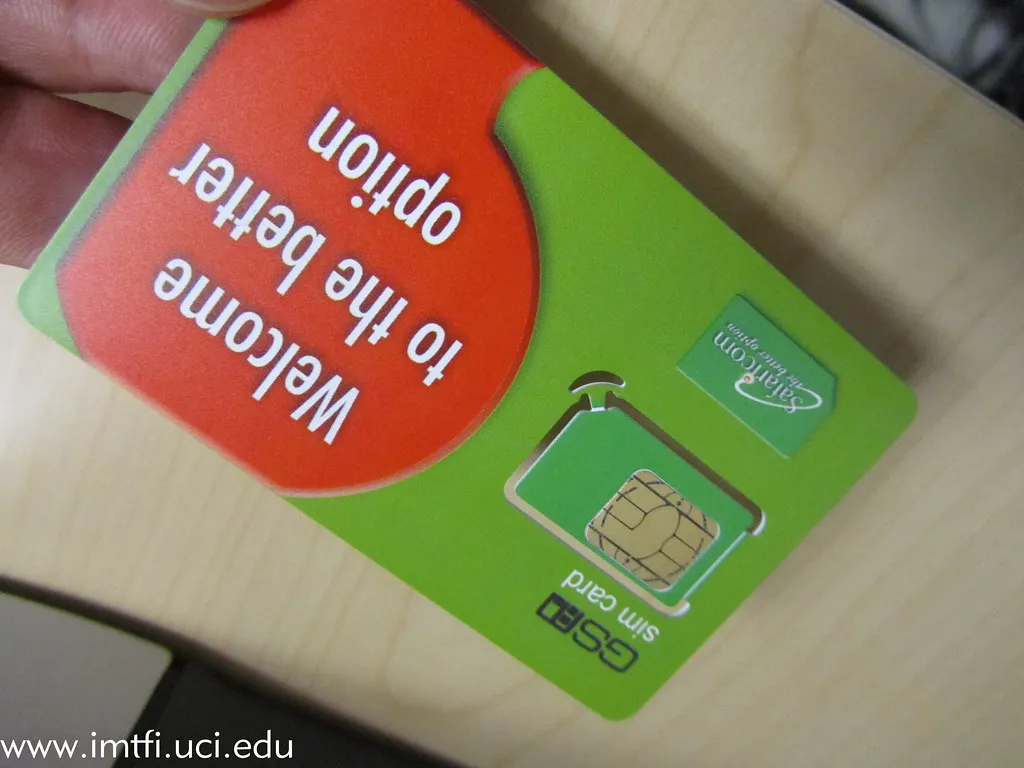
A Lipa na M-Pesa Buy Goods till lets customers pay your shop directly, and keeps business money out of your personal M-Pesa. Most retail shops in Kenya use one. Here is how to get it and set it up properly.
Where to apply
You can apply in two ways:
- Online, on Safaricom's M-Pesa for Business portal at m-pesaforbusiness.co.ke.
- In person, at a Safaricom shop.
What to have ready
Safaricom's requirements depend on whether you apply as an individual, a sole proprietor or a registered company, and they change from time to time. Expect to be asked for:
- your national ID,
- your KRA PIN certificate,
- your business registration or permit if you have one, and
- the phone number that will receive notifications.
Check Safaricom's current Lipa na M-Pesa requirements list before you apply, so the application is not sent back.
Set it up so payments are easy to match
Getting the till number is the easy part. These habits save hours at month end:
- Display the till number clearly at the counter, so customers do not pay the wrong business.
- Check the confirmation message before the customer leaves, and record the M-Pesa code with the sale.
- Give each cashier their own way to record codes, so a missing payment can be traced to a shift.
- Reconcile daily: match every code on your M-Pesa statement against a sale, and follow up on any that do not match.
Charges
Safaricom charges for business tills, and the tariff has changed more than once. Check the current Lipa na M-Pesa tariff on safaricom.co.ke rather than relying on old figures online.
The till takes the money. Your records have to prove where it came from.
How Thamani uses your till
Thamani works with your own till number: customers pay you directly, and Thamani never holds your money. At the counter the cashier records the M-Pesa code, even when the network is down, and Thamani matches every code against M-Pesa once you are back online. A daily list shows any code that did not match. Read taking M-Pesa when the network is down, or book a demo.
Based on Safaricom's published Lipa na M-Pesa information as of November 2026. Requirements and charges change, so confirm with Safaricom before applying.