Closing the day with a Z-report
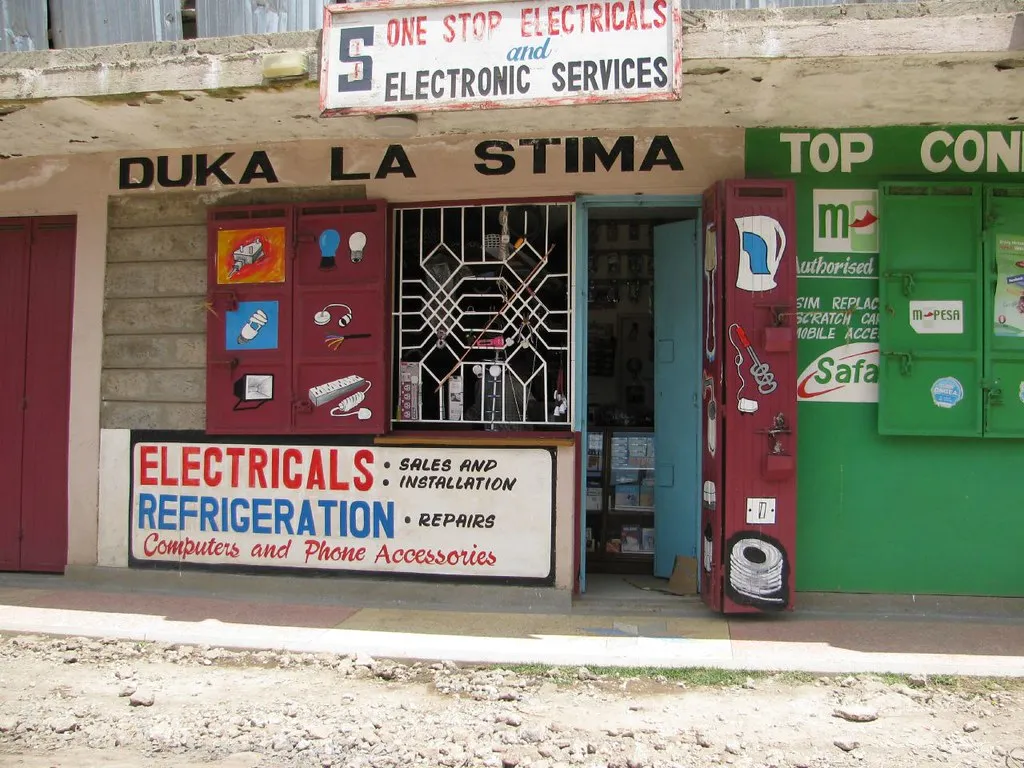
The last customer has gone and the shutters are halfway down. This is the moment most shop owners trust least: counting the drawer and hoping it matches. A Z-report turns that hope into a number.
Start with a float
A shift in Thamani starts when the cashier signs in with their PIN and records the opening float: the cash already in the drawer for change. Sign-in works without the network, so the shift starts on time even when the connection does not.
From that point every sale, refund, and cash taken in or out of the drawer is recorded against the shift.
Count, then compare
At closing time the cashier counts the cash in the drawer and types the total. Thamani already knows what it expects: the float, plus cash sales, minus cash refunds and cash taken out. It shows both numbers side by side and the difference between them.
The difference is not an accusation. It is the start of a question you can actually answer.
What the Z-report shows
Closing the shift produces the Z-report: one page for the day. It shows:
- sales and refunds, by payment method: cash, M-Pesa, card and other tenders
- the expected cash, the counted cash and the difference
- M-Pesa codes recorded during the shift, and any not yet matched
- who worked the shift and when it opened and closed
Card payments taken on a separate bank terminal are recorded in Thamani as card sales, so the report balances against the terminal's own end-of-day slip as well.
When the network was down all day
None of this needs the internet. The shift, the count and the Z-report all run on the till. When the connection comes back, the day's sales and the report sync to the back office, so you can read it from home.
If M-Pesa codes were typed while offline, the report marks them as waiting to be matched until the till reconnects. Read taking M-Pesa when the network is down for how that check works.
Want to see a full day closed on a real till? Book a demo.